 Install
& Configure the MODEM from "Control Panel"
Install
& Configure the MODEM from "Control Panel"
Install
& Configure the MODEM from "Control Panel"
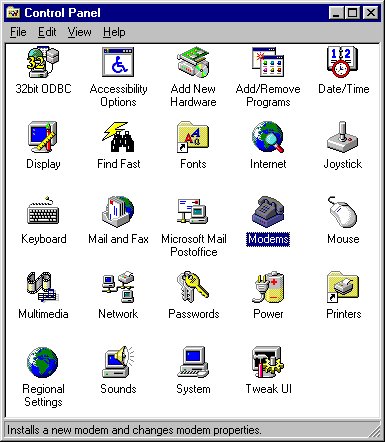
 Two ways to install your modem: Click on the "Add New Hardware" or
the "Modems" icons.
Two ways to install your modem: Click on the "Add New Hardware" or
the "Modems" icons.
To review or change your modem settings (or more!), click
on the "System"
icon.
To configure and install your "Network
Properties" click on the "Network"
icon.